
I would make the Hemet example about choosing a screening with enough information to participate comfortably. Valley Lantern Cinema is a fictional venue, and every feature shown would be a proposed demonstration rather than a claim about a real building. My starting point would be the ticket decision itself. If someone needs a particular screening format or seating arrangement, the information should appear before they are asked to commit to a time.
This is an independent educational study, not a client project or reopening announcement. The concept below is fictional. It shows proposed work, not measured business results.
The part we can put on the record
The BigScreen Cinema Guide reported on July 24, 2023 that Regal Hemet had closed. Hemet, CA: Regal Hemet Closed — The BigScreen Cinema Guide.
The source concerns one Hemet theater. The fictional cinema is unrelated and makes no claim about other Regal locations or the property’s current use. Historical reference: 2023-07 (closure reported July 24).
A closure or change of use does not tell us whether a website was good or bad. I am not attributing this history to SEO or claiming a different site would have changed it. The useful exercise is to take a customer task from this type of business and work through a fresh design.
The question I would design around
The screening cards would provide room for verified captioning, audio description, and seating details, with an explicit unknown state when the operator has not supplied an answer. I would avoid using a generic accessibility icon as a substitute for specifics. The page would also preserve the selected screening when moving toward a demonstration booking, so a visitor can see what they chose instead of reconstructing it from memory.
The proposed feature: Screening cards that distinguish captioned, audio-described, and accessible-seating information when verified for a real venue.
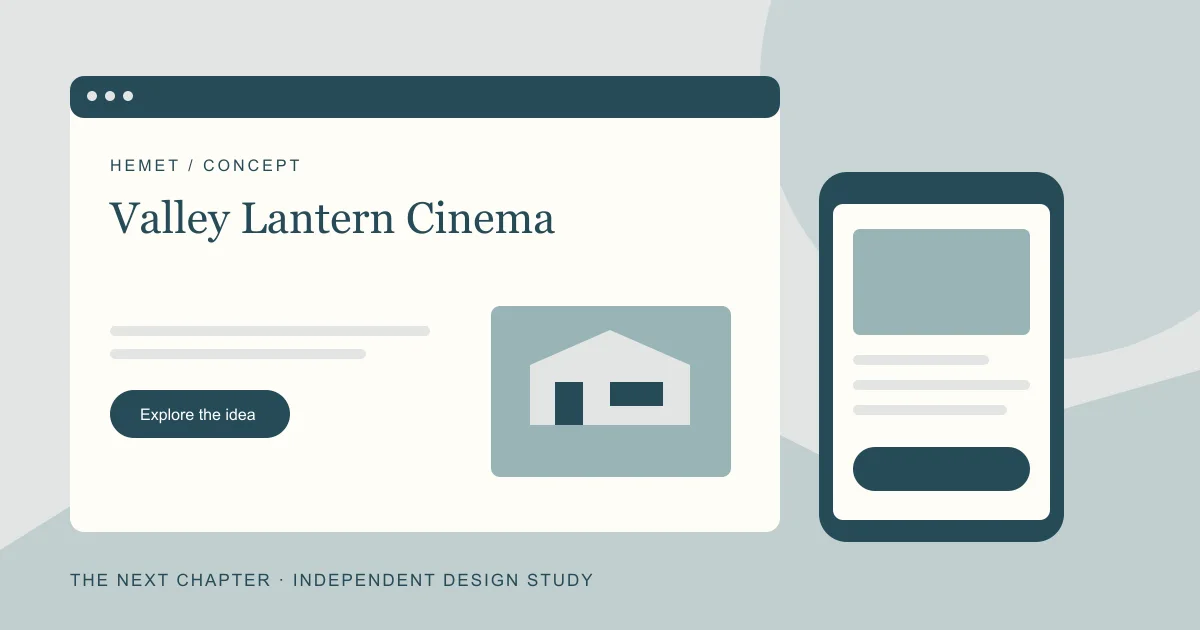
EXPLORE THE WEBSITE CONCEPT
Valley Lantern Cinema
A proposed digital front door built around a customer task in Hemet.
Accessibility information belongs in the ticket decision, not behind a generic contact page.
The opening screen would identify the offer, its real location or service area, and the action a customer can actually take. Any hours, prices, availability, or promises would come from the owner before launch.
See how I would check it ↓Screening cards that distinguish captioned, audio-described, and accessible-seating information when verified for a real venue.
Give the customer a clear route into this task, explain what is needed, and confirm what happened. A request must never look like a confirmed purchase, appointment, or reservation when it is only an inquiry.
See where it fits in the launch week ↓What would tell us it is useful?
A keyboard user can identify a suitable demonstration screening and reach ticket details without losing context.
This is a measurement plan. No traffic, ranking, sales, or conversion results have been collected for this fictional concept.
The first seven days, with a defined finish line
I would scope the first release around the customer task above. The schedule assumes the owner has supplied accurate content, approved the offer, and provided the access needed to launch. Custom integrations or a complex application need their own estimate.
- Day 1 · Establish the facts. Confirm the new concept's offer and audience in Hemet. Collect permission to use its photos and wording. Keep the historical business separate from the new brand.
- Day 2 · Map the decision. Turn the design question into an outline: Accessibility information belongs in the ticket decision, not behind a generic contact page. Identify what the visitor needs before they act.
- Day 3 · Build the essential pages. Draft a useful home page, an offer or service page, and contact information. Show the Valley Lantern Cinema identity consistently, with a readable mobile layout.
- Day 4 · Make the task understandable. Prototype and test the proposed feature: Screening cards that distinguish captioned, audio-described, and accessible-seating information when verified for a real venue. Use clear instructions, validation, and an honest completion state.
- Day 5 · Check the basics. Test keyboard use, labels, readable text, image sizes, working links, and a phone-sized screen. Check page titles, canonicals, and crawlable navigation.
- Day 6 · Introduce the real site to Google. Verify the appropriate Search Console property, check the sitemap, and inspect an important URL. Requesting a crawl is not a guarantee of indexing.
- Day 7 · Launch and write down the baseline. Complete the main task once from beginning to end, confirm who receives any request, and record what will be measured next: A keyboard user can identify a suitable demonstration screening and reach ticket details without losing context.
This is a proposed launch plan for a digital foundation. It does not reopen the historical business, create demand, or promise a particular position in search. Read the detailed seven-day launch guide.
The test matters as much as the layout
For the seven-day launch test, I would follow the journey using only a keyboard and then repeat it on a phone. Could a tester find the suitable sample screening, understand which details are confirmed within the prototype, and reach the matching ticket information? I would record barriers and corrections. The result would be evidence about the interface, not a certification of a venue or a claim of actual ticket sales.
A keyboard user can identify a suitable demonstration screening and reach ticket details without losing context.
A professional web designer should be able to explain these tradeoffs. If the task needs changing data, rules, or a more complex workflow, a software engineer or web application developer may be part of the build. The useful question is whether the work makes the customer's next step clearer and the business's follow-through dependable.
Carry the idea into your own next chapter
The repeatable part is the process: establish the facts, identify a real customer task, build the smallest complete version, test it, and measure what happens. The details should change with the business. For Hemet, the lesson in this study is: Accessibility information belongs in the ticket decision, not behind a generic contact page.
Start with Google Search Console · Understand sitemaps and indexing · Read the regional study.