
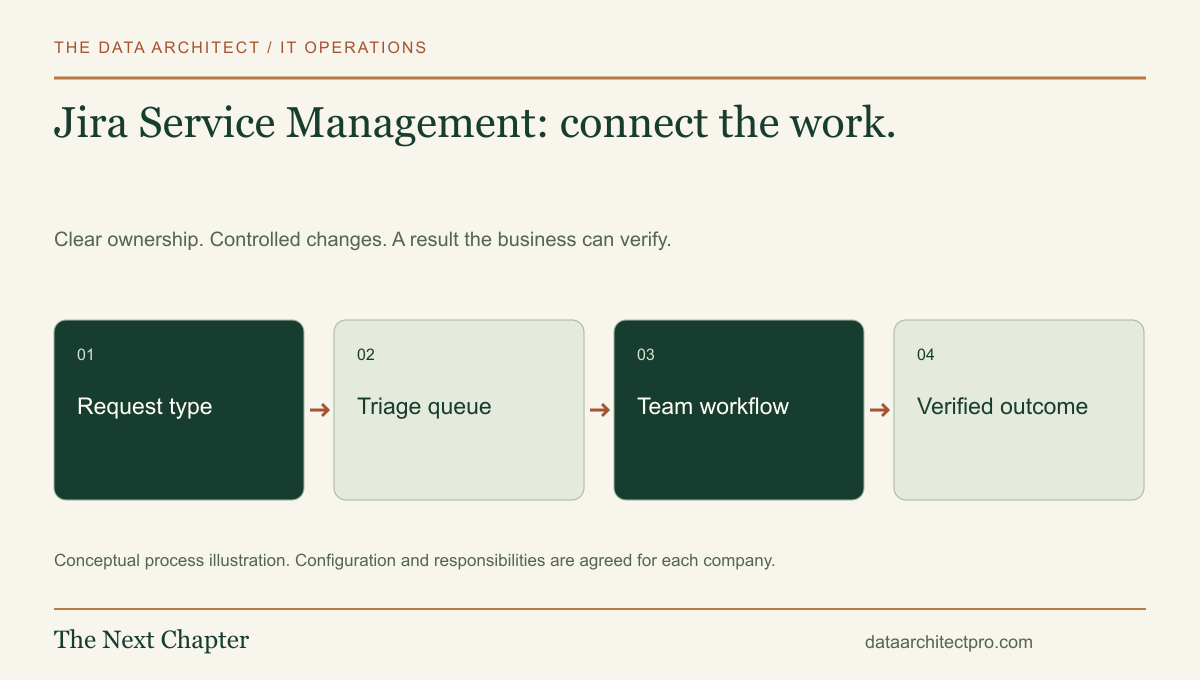
A shared inbox can show that someone asked for help. A service-management workflow should also show the kind of help, the responsible team and what happens next. Jira Service Management brings these pieces together, particularly when support work needs to connect with the people building or maintaining business software.
Start with the request, then the work behind it
A requester describes a need through a customer-facing entry point. The request becomes work for the service team. Atlassian’s queue documentation explains that queues organize work items for viewing, triage and assignment, with categories such as incidents, requests, problems and changes.
The requester-facing form and the internal workflow serve different audiences. A person reporting a printer issue needs plain-language choices. The agent needs ownership, status, relevant context and a clear next action. Keep the public wording understandable while allowing the internal process to be precise.
A queue is a view of work, not a replacement for responsibility. If five people can see an urgent item but nobody owns it, the system has collected the problem without managing it.
Connect support with a software team
Consider a Riverside company whose staff use a custom scheduling application. A user reports that an appointment cannot be saved. The service team first gathers the affected account, error and timing without requesting passwords or confidential customer records.
If investigation identifies a product defect, the support owner coordinates with development and keeps the customer informed. The development task and customer request may have different lifecycles: a code change can be merged while the user still needs deployment and verification. Define the relationship and handoff rather than assuming a developer’s completed status means the customer is unblocked.
This is a workflow example, not a promise that every existing integration connects automatically. Confirm the current Jira setup, permissions and available integration mechanism during discovery.
Design a small set of useful request types
Start with common needs: report a broken service, request access, set up a device or ask a software question. Each form should request only information that helps route or resolve that category. Conditional questions can be useful, but a complicated form can push users back into informal messages.
Define the statuses and who can move a request between them. Waiting for the requester, waiting for a supplier and active technical work have different owners. Write down what evidence is needed before a ticket can be considered resolved.
Create queues around actionable decisions: unassigned work, urgent business impact, waiting on our team and items needing follow-up. Review access as carefully as queue filters. Request sharing, organization membership and agent permissions should match what the company intends people to see.
Make service goals match the working agreement
Atlassian documents SLA goals, calendars and start, pause and stop conditions. These allow the software to measure a service objective against defined working time and events.
Before setting a timer, decide what you are measuring. First acknowledgment is different from a meaningful response. A workaround is different from a permanent repair. Waiting for an answer should pause a timer only when the agreement and process justify that choice.
Test a request submitted near the end of the working day, a reopened issue and a ticket transferred between teams. These examples reveal incorrect calendars and transitions more effectively than checking one ordinary daytime ticket.
Use automation to reinforce the process
Useful early automation can assign a clearly identified request type, notify an owner of an aging item or prepare a consistent acknowledgment. Review the rule’s conditions, permissions and failure path before adding more actions.
For integrations, map the authoritative record and avoid update loops. If two systems both interpret a change as a new instruction, they can repeatedly modify the same ticket. Keep event identifiers, retry behavior and error visibility part of the design.
Review misrouted work, reopenings, repeated questions and time spent waiting. A growing queue may reflect a capacity problem or unclear intake; it is not always a reason to add another status.
Build around the team’s actual workflow
I have experience with Jira Service Management and can help review the workflow, configure the agreed scope, connect business systems and document the handoff. For a company in Beaumont, Banning, Yucaipa or elsewhere in the Inland Empire, the useful starting point is a representative request and a description of who handles it today. Our IT department setup page shows how service management fits with devices, networks, access and documentation. A custom ticketing layer is another option when a clearly defined requirement cannot be met sensibly through configuration. Tell me about your team and support needs.
Platform capabilities and terminology can vary by edition and configuration. Vendor references support the product descriptions; the implementation examples are illustrative, not claimed client results. No vendor partnership or certification is implied.