
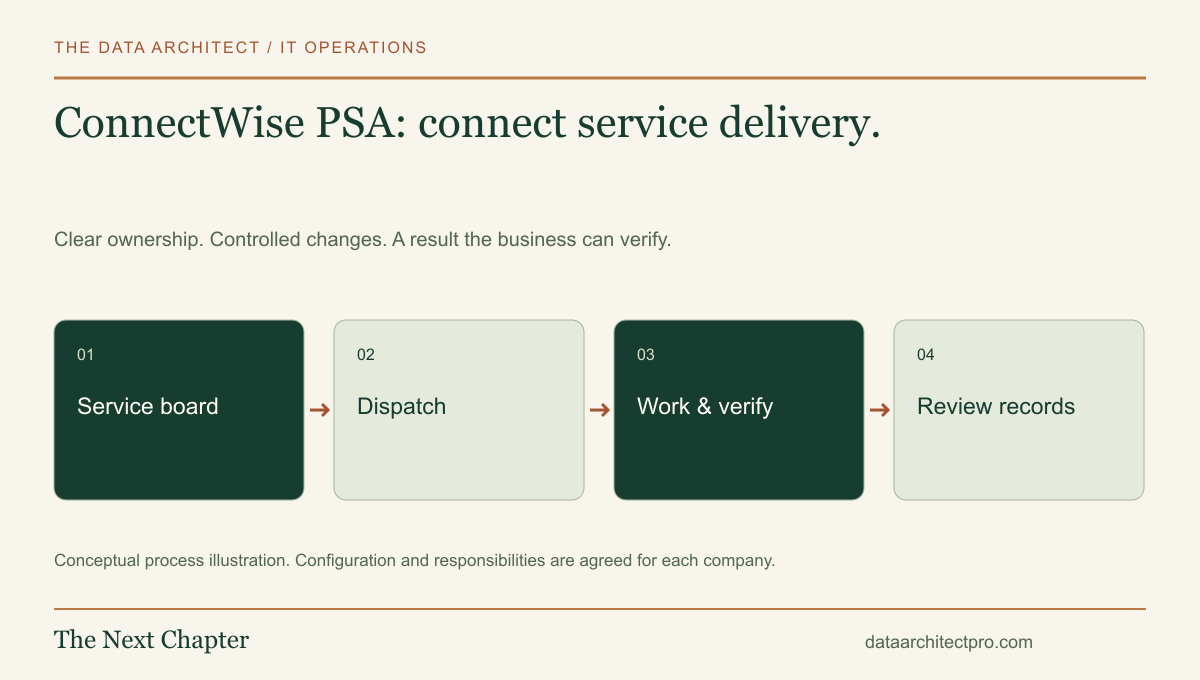
A support organization needs to understand more than whether a ticket is open. It also needs to know who is scheduled, what work was performed and how that work relates to the customer agreement. ConnectWise PSA connects service delivery with business administration. A useful implementation keeps those relationships accurate.
Understand the role of a PSA
Professional services automation brings operational and commercial records together. ConnectWise’s PSA overview describes tickets, resources, time tracking, customer records and reporting, with financial and agreement capabilities depending on the package. These features support the business around service delivery as well as the support conversation itself.
A PSA is not the same thing as a remote-control tool. The service ticket records why work is needed and what was done. An approved remote support system may provide the actual session on a computer. Integrating them should preserve the connection without granting broad access merely because a ticket exists.
For an internal IT department, some commercial functions may be less important than assignment, workload and documentation. Choose the scope around the team’s real responsibilities instead of deploying every available feature.
Make service boards and statuses explain the next action
ConnectWise’s service-board status documentation explains that statuses define stages and can affect visibility, notifications, time entry and open/closed behavior. Status configuration also relates to service-level escalation. A label therefore needs more attention than its wording alone.
Define the meaning of each stage before configuring it. “Waiting” should identify what or whom the team is waiting for. “Scheduled” should have an accountable resource and a real appointment. “Resolved” should mean the agreed outcome was checked.
Keep the number of statuses manageable. If technicians cannot consistently explain the difference between two options, the distinction is unlikely to produce reliable reporting.
Follow a network ticket through delivery and administration
Consider a hypothetical support request from a business in Rialto with another location in Riverside. Staff report intermittent access to a shared application. Intake records the affected location, timing, business impact and known workaround. Dispatch assigns someone with the right context and availability.
The technician checks whether the symptom follows a device, a local network or the connection between locations. An authorized remote session may help gather evidence; an on-site visit is arranged if physical checks are necessary. Findings, approved changes and verification are recorded against the work.
After service is restored, the technical record is reviewed for clarity. Time and any commercial treatment are checked against the actual agreement. A successful repair should not automatically produce an unreviewed charge, and a nonbillable task should not lose its technical history.
Define the records that must remain authoritative
Establish the correct company, location and contact records before relying on automated routing. Similar company names and outdated contacts can send a technician or notification to the wrong place. Decide who maintains those records and how corrections are approved.
For integrations, map the identifier used to connect a ticket, device, agreement or project. Use explicit ownership rules for fields that can change in more than one system. Add visible error handling and a way to reconcile failed or duplicate updates.
Keep time entry instructions concrete: describe the work, identify relevant findings and distinguish investigation from waiting. Avoid using timer totals as a substitute for an understandable resolution note. Document any approval needed for work outside the original scope.
Check the exceptions that matter to the business
Before rollout, test a ticket transferred between boards, a rescheduled visit, a reopened issue and a request assigned to an unavailable technician. Confirm that the customer gets appropriate communication and that the work remains visible to someone responsible.
Review access to customer records and administrative settings. Technicians should have the permissions their role needs, while financial approvals and configuration changes remain assigned to the appropriate people. An integration account should have a defined purpose and owner.
Useful operational measures include unassigned work, repeated transfers, aging tickets and missed follow-up. Commercial reports should be reconciled to the underlying agreement and work records before decisions depend on them.
Build a coherent service-delivery process
I have experience with ConnectWise and can help review the ticket workflow, configuration and connections to business systems. For companies in San Bernardino and Riverside counties—from Fontana and Rancho Cucamonga to Moreno Valley and the San Gorgonio Pass—the aim is a support process that people can understand and maintain.
Explore the remote support and AI workflow guide, or compare a platform configuration with a custom ticketing system. The IT inquiry form captures team size, affected systems and the outcome you want.
Workflow examples are illustrative. Verify features against your edition and deployment. No ConnectWise certification, reseller status or partnership is claimed.