
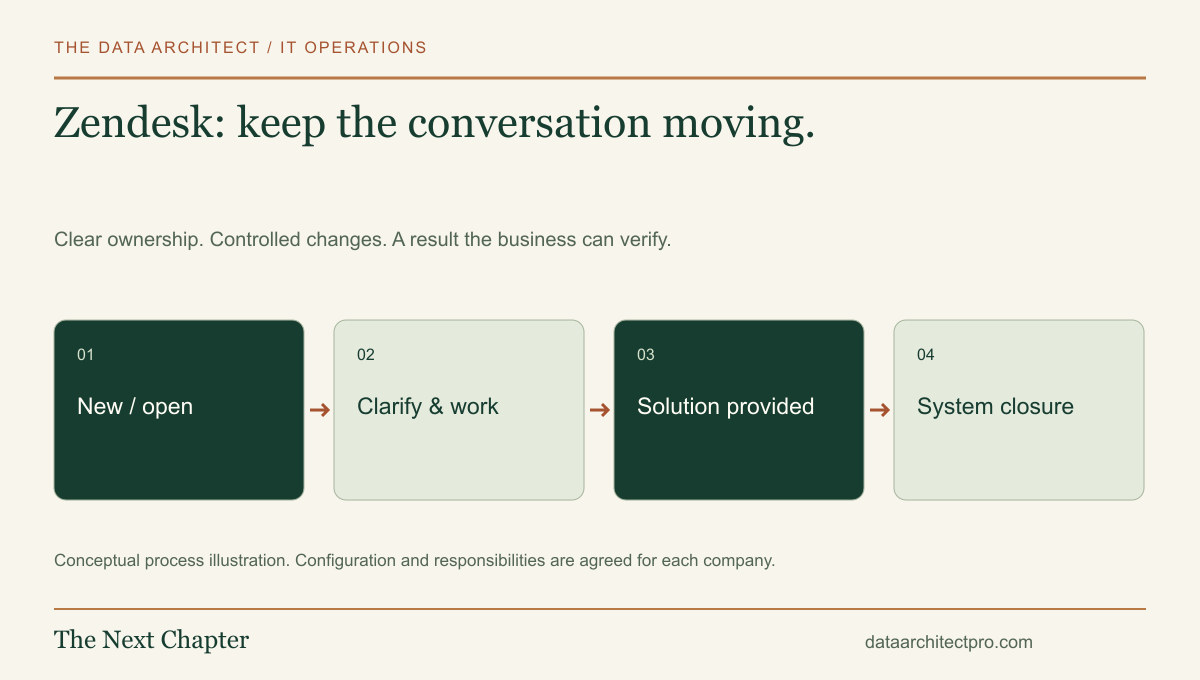
A customer or employee rarely thinks in terms of ticket fields. They want to know whether somebody understood the problem and what will happen next. Zendesk organizes that conversation, but its status choices and communication rules need to reflect the way your support team actually works.
Understand what each status is trying to tell you
Zendesk’s lifecycle documentation distinguishes New, Open, Pending, On-hold, Solved and Closed. Open indicates work for the agent; Pending means information is awaited from the requester. The optional On-hold status represents waiting on someone else and appears as Open to the requester. Accounts can also have configuration-dependent custom statuses.
Solved means an agent has supplied a solution. Closed is a later system-controlled state; agents do not manually choose it. A response to a solved ticket can reopen it, while a closed ticket can lead to a separate follow-up request. These distinctions matter when designing reports and follow-up rules.
Your operational question should be simple: who needs to act next? A status that sounds tidy but hides that answer makes a support queue harder to manage.
Follow an access problem through a conversation
Imagine a Banning business uses a customer portal and receives a message that an employee cannot sign in. The agent confirms the affected account through the approved verification process, asks for the error and checks whether other users have the same problem.
If information is missing from the requester, the conversation needs a clear question and a follow-up owner. If a software vendor is investigating, the internal waiting reason is different. The customer still needs an explanation of what is happening and when the team will review it again.
After the issue is corrected, ask the person to test the original task. Record what was verified and any remaining limitation. This example illustrates the process; it does not describe a completed customer project or a guaranteed response time.
Design fields and views around decisions
Choose a few useful categories, such as account access, device problems, network issues and business software. Collect the affected system and business impact without forcing the requester to make a technical diagnosis. An accurate symptom is more useful than a guessed cause.
Give agents a view of unassigned work, work requiring their action and requests waiting too long for follow-up. Decide who reviews each view and how absent staff are covered. A filter can expose a backlog, but it cannot resolve an ownership gap.
Separate public replies from internal investigation notes. Templates should leave room for a specific answer, and staff should check recipients before sending. Avoid copying unnecessary customer data into a ticket when a short reference or sanitized example will do.
Make business rules predictable
Before configuring notifications or status rules, map the events that should cause them. A new request, an agent reply and a customer response are different events. Test each one with a controlled example and confirm both the internal change and the message the requester receives.
A common design mistake is treating every automatic email as a useful response. A receipt can confirm that a request was saved, but it should not imply that a technician has investigated the problem. Set expectations that match the actual staffing arrangement.
Check duplicate notifications, reopening behavior and requests that move between teams. Keep a written description of important rules so a future change does not silently undo another workflow. Where an external application is involved, define how failed updates are noticed and retried.
Read support metrics in context
Count completed outcomes alongside ticket volume. Review reopenings, repeated contacts about the same issue, waiting time and the quality of the resolution note. A team can appear fast by marking tickets solved early while customers continue to struggle.
Examine several real conversations when a metric changes. If requests have become more complex, the same average resolution time may represent improved work. If requests are simply being transferred repeatedly, the average can conceal a preventable delay.
Keep knowledge articles linked to recurring issues and assign someone to maintain them. A clear answer that becomes outdated can create more work than having no article at all.
Make the conversation part of a wider IT process
I have experience with Zendesk and can help review the workflow, configure the agreed scope, connect business systems and document the handoff. For a company in Beaumont, Banning, Yucaipa or elsewhere in the Inland Empire, the useful starting point is a representative request and a description of who handles it today. Connect the support conversation with the company’s device inventory, approved remote support workflow and internal ownership. Our IT department setup approach explains those connections. Tell me about your team and support needs.
Platform capabilities and terminology can vary by edition and configuration. Vendor references support the product descriptions; the implementation examples are illustrative, not claimed client results. No vendor partnership or certification is implied.