
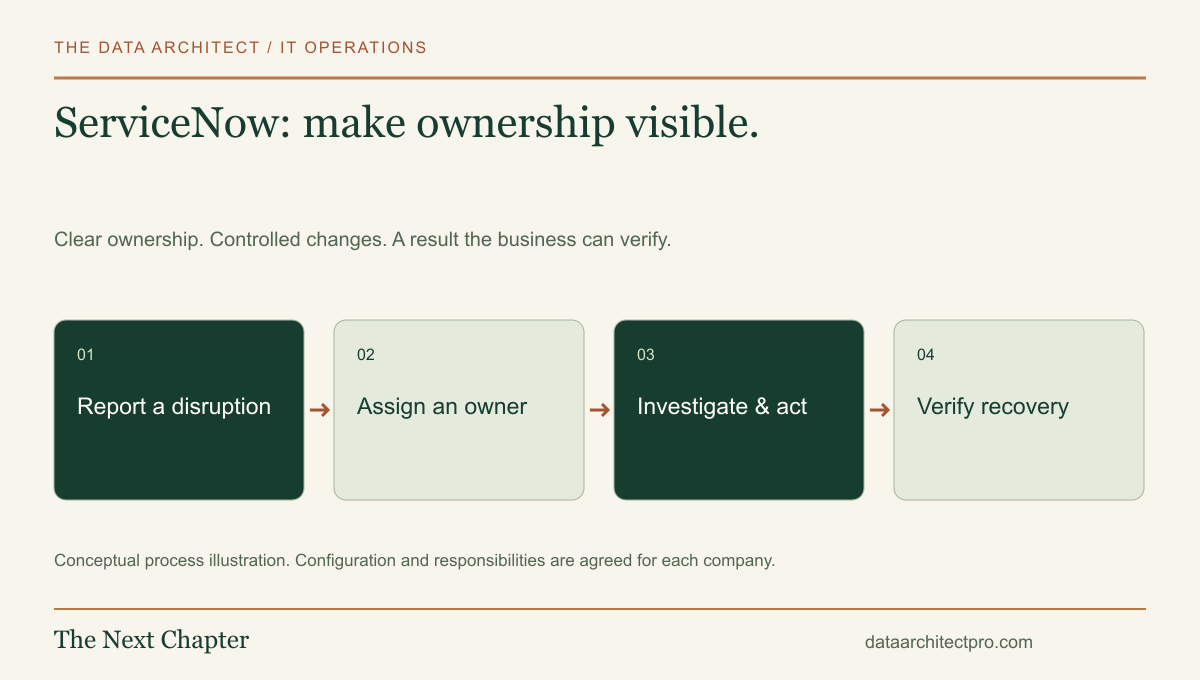
A ticket is useful when somebody can answer what is affected, who owns the next action and what a successful result looks like. ServiceNow IT Service Management can support that structure across a company. Its value comes from the operating process you put around the records, not merely from collecting more fields.
Separate an incident from a request
An incident describes a disruption: a user cannot reach a business application, or a shared service has stopped working. A service request asks for something expected, such as access or equipment. Treating these as the same kind of work can confuse priority, approvals and reporting.
ServiceNow’s Incident Management documentation describes diagnosis, investigation, escalation and reporting as parts of restoring service. The platform also supports creating related problem, change or request records from an incident. Those relationships help a team separate the immediate disruption from follow-up work.
A problem investigation asks why something keeps happening. A change records a proposed modification and its controls. Restoring a user’s access now and replacing a failing network component later can be related tasks without pretending they have the same approval path.
Follow one example through the service desk
Imagine an office in San Bernardino reports that several staff members cannot open a shared application. This is an illustrative workflow. The intake records the affected location, number of users, error, start time and available workaround. The service desk checks whether other reports describe the same disruption before creating separate investigations.
A named owner coordinates diagnosis. If the issue is tied to a recent configuration change, the team reviews that evidence and the available recovery plan. A temporary workaround can restore work while a separate, approved change addresses the underlying cause. The record should make those different outcomes visible.
Closure follows a check that users can complete the original task. A note saying “restarted it” does not establish whether the business service recovered or whether further work remains.
Configure responsibility before adding automation
Begin with a small service catalog, clear assignment groups and an agreed priority matrix. Impact describes how much business activity is affected; urgency describes how quickly the effect must be addressed. Neither should be determined solely by the person using the strongest language in an email.
Define the information required at intake and the information a technician adds during investigation. A requester should not have to know internal server names to report a problem. An investigator should record affected services and equipment when that relationship is established.
Document who can approve a change, who can perform it and who verifies the result. Where your licensed environment supports configuration relationships or additional modules, confirm their ownership and accuracy before relying on them. A large inventory of stale relationships can misdirect an otherwise sensible workflow.
Watch the gaps between records and people
A ticket can move to another group while the requester is still waiting for an answer. Avoid that gap by defining the receiving owner and a handoff rule. Transfers should include findings, attempted checks, relevant evidence and the next question—not just a different queue.
Repeated incidents also need a review path. If the same symptom appears every week, closing individual tickets can hide a persistent problem. Link the pattern to an investigation and record any workaround so the next technician does not restart from zero.
Keep internal diagnostic notes distinct from requester communication. Avoid putting credentials or unnecessary personal records in a ticket. Access to the service desk should reflect the responsibilities of each role, including any external providers.
Measure restoration and repeat work
Useful measures include first meaningful response, elapsed time to restore the affected task, reopened work, transfers and repeat incidents. Review exceptions as well as averages. Ten quick password questions can conceal one office that remained unable to work.
Agree on service hours and response targets before configuring timers. A target displayed in software is not a staffed support commitment by itself. Review whether the queue reflects the team’s actual availability and escalation arrangements.
Connect the service desk to the rest of IT
The service desk needs accurate device ownership, understandable network documentation and an approved way to perform remote support. Our IT department setup approach connects those foundations with the ticket workflow. The remote support and AI guide explains how assistance can speed up investigation while retaining accountable decisions.
I have experience with ServiceNow and can help review the workflow, configure the agreed scope, connect business systems and document the handoff. For a company in Beaumont, Banning, Yucaipa or elsewhere in the Inland Empire, the useful starting point is a representative request and a description of who handles it today. For specialized requirements, compare configuration with a custom ticketing system before committing to a build. Tell me about your team and support needs.
Platform capabilities and terminology can vary by edition and configuration. Vendor references support the product descriptions; the implementation examples are illustrative, not claimed client results. No vendor partnership or certification is implied.