
Small businesses do not always know where to start with cybersecurity. The first obstacle can be finding a program that fits the organization, the location and the actual question. A new resource from NIST is worth adding to that search.
The October update
On October 5, 2026, NIST’s Small Business Cybersecurity Corner highlighted its Small Business Cybersecurity Support Programs Finder. NIST describes it as a way to locate programs hosted by nonprofit institutions that help regional small-business communities manage cybersecurity risk.
That gives a business owner another place to look for appropriate help. It does not mean every program serves every city, that participation is free, or that a listed organization can resolve a specific incident. Check the individual program’s geography, eligibility, availability and scope directly.
This is an independent explanation from The Data Architect, checked October 26, 2026. We are not claiming NIST endorsement, certification or inclusion in the finder.
Start with a specific question
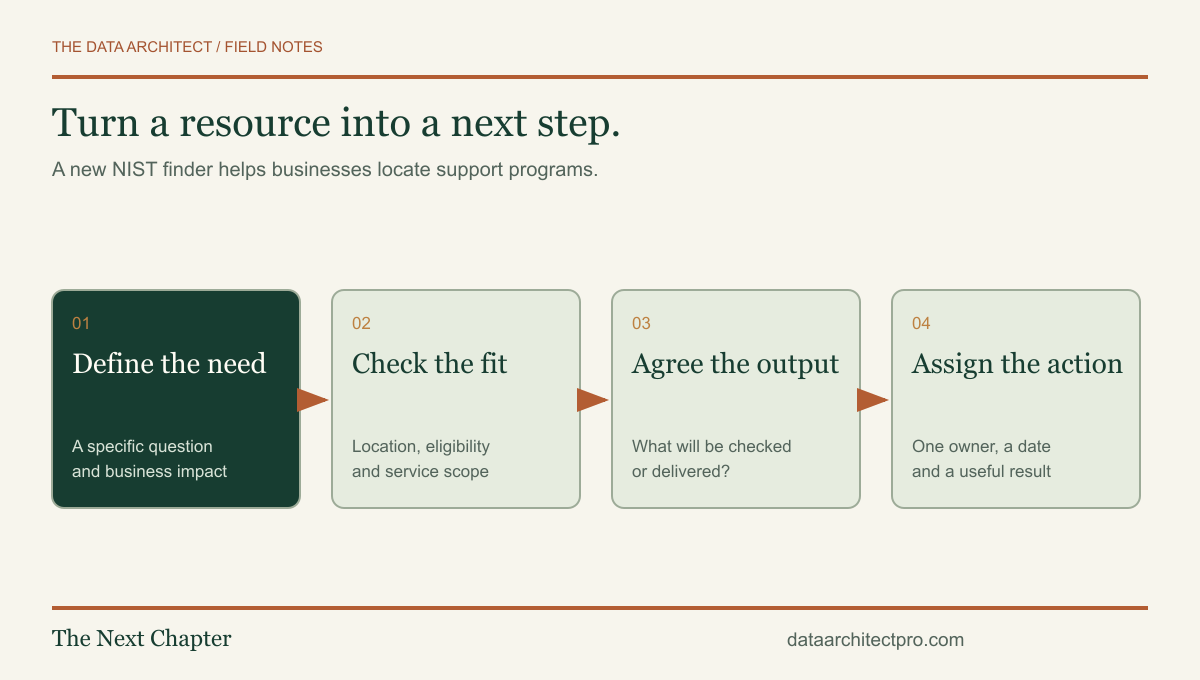
“We need cybersecurity” is too broad to be a useful project brief. Try a concrete question: Can we restore our customer files? Who still has access after leaving the company? Are our laptops receiving supported security updates? Which account owns the domain and business email?
A Beaumont shop, a Yucaipa office and a San Bernardino service team may all need help, but the first useful task can differ. Describe the business process, the people affected and the information involved. Keep passwords, customer records and confidential screenshots out of an initial inquiry.
If you are dealing with a suspected active compromise, say that clearly when contacting a provider and ask whether incident response is within its service scope. Routine setup advice and emergency investigation are different services.
Prepare a one-page picture of the business
- People and places: approximate staff count, locations and remote workers.
- Devices: workstations, laptops, important servers and who maintains them.
- Applications: the services that stop work when unavailable.
- Access: who administers accounts and how new or departing staff are handled.
- Recovery: what is backed up and when restoration was last tested.
- Immediate goal: the decision or problem you want the conversation to resolve.
Approximate counts are enough for an initial scope discussion. You do not need a perfect inventory before asking for help. The purpose is to distinguish a single-computer problem from a change affecting a whole company.
You can reuse our IT support handoff checklist for this preparation. It is an original, freely available worksheet designed to make the first conversation more productive.
Ask what the engagement will produce
A useful engagement should define its output. That might be an inventory, a prioritized set of findings, a tested backup recovery procedure or a documented account-access process. Ask who will implement the recommendations and who will maintain the result afterward.
Also ask how changes are approved, how sensitive information is handled and whether work can interrupt the business. If an assessment identifies issues outside the provider’s skills or service scope, the next step should be stated clearly. A recommendation is not the same as an implemented and verified fix.
For local organizations, location still matters when hardware needs physical inspection or a network change requires someone on site. Remote work can be convenient, but a plan should identify who can reach the equipment and how an interrupted session will be recovered.
Finish with one owner and one next step
Choose a manageable first action and assign someone to it. That could be checking the last backup restoration, reviewing an old Office installation or documenting who owns the router configuration. Set a date to review the result, not just to buy a product.
The Data Architect combines a verifiable Google IT Support credential with practical web and software work. My role in an initial conversation is to understand the problem, identify what can be handled within the agreed scope and explain when a specialist is needed. Read our network troubleshooting guide or Office 2021 lifecycle checklist for concrete examples.
If you need a second set of eyes, request IT support from The Data Architect. I offer remote help and on-site visits by arrangement in Beaumont, Banning, Yucaipa, San Bernardino and the wider Inland Empire. We agree on the scope before making changes.