

A homeowner has a project in mind. Before they contact a contractor, they want to know whether the company does that kind of work, serves their address and has experience they can understand. A useful website answers those questions in a sensible order.
For contractors serving Beaumont, Banning, Redlands, Riverside and the wider Inland Empire, web design begins with that decision. The project may be plumbing, landscaping, remodeling or another property service. The site needs to make the work clear and help the office receive an inquiry it can act on.
This guide explains how I would plan that experience at The Data Architect: the public pages, the information gathered and the follow-up behind the form.
1. Answer the questions that come before the call.
The first screen should identify the business, its main service and its actual coverage. A concise description and a relevant project photograph often communicate more than a broad slogan. Someone arriving directly on a service page should receive the same clarity as someone starting on the homepage.
Explain the kinds of jobs you take. A repair, an installation and a larger project may need different information and different scheduling. If the business handles residential work but not commercial projects, make that distinction easy to find. If a service requires an assessment before pricing, explain the process.
Then provide a clear next action. A call button suits someone ready to speak; an estimate request gives someone a way to describe the job outside office hours. Publish the actual response expectations. A form available at midnight should not imply that a staff member is waiting to respond immediately.
2. Describe coverage in a way a customer can use.
“Serving the Inland Empire” introduces the region, but it may leave a homeowner uncertain about their address. List the cities the business genuinely serves and explain how to ask about a nearby location. Separate a service area from an office address so visitors know whether they can visit you.
For example, a contractor covering Beaumont, Banning and Calimesa might have a different travel policy for a project in Riverside. Another business may regularly work throughout the region. The website should reflect the owner’s actual schedule and coverage decisions. Do not imply that an illustrative service area is the policy of every contractor in those cities.
- Which cities or neighborhoods do you serve?
- Does coverage differ by service or project size?
- How can someone check an address outside the usual area?
- Are visits by appointment, and how is that appointment confirmed?
Make the selected city part of the inquiry. The office can then see the location alongside the requested service instead of starting each conversation by asking the same basic question.
3. Give job photographs useful context.
A project gallery should help someone understand what the contractor did. Group photographs by job or service. Add a short description of the customer’s problem, the work completed and the practical result. A close-up can show workmanship; a wider view can explain the overall space.
Before-and-after photographs are most useful when their relationship is clear. Keep the order consistent, label them and describe what changed. Use photographs you have permission to publish, and avoid exposing private household details or precise residential locations without the owner’s agreement.
A gallery card could show “Backyard drainage project · Redlands” when that is a real, approved example. The detail page could explain the original drainage issue, the installed solution and any relevant maintenance notes. That supplies evidence a visitor can evaluate without inventing a testimonial or a performance result.
Use sharp source images and provide smaller versions for mobile screens. Let visitors move through the photographs with recognizable controls. Each image should have a purpose; a large collection of nearly identical pictures can make the useful detail harder to find.
4. Ask for enough information to begin the estimate.
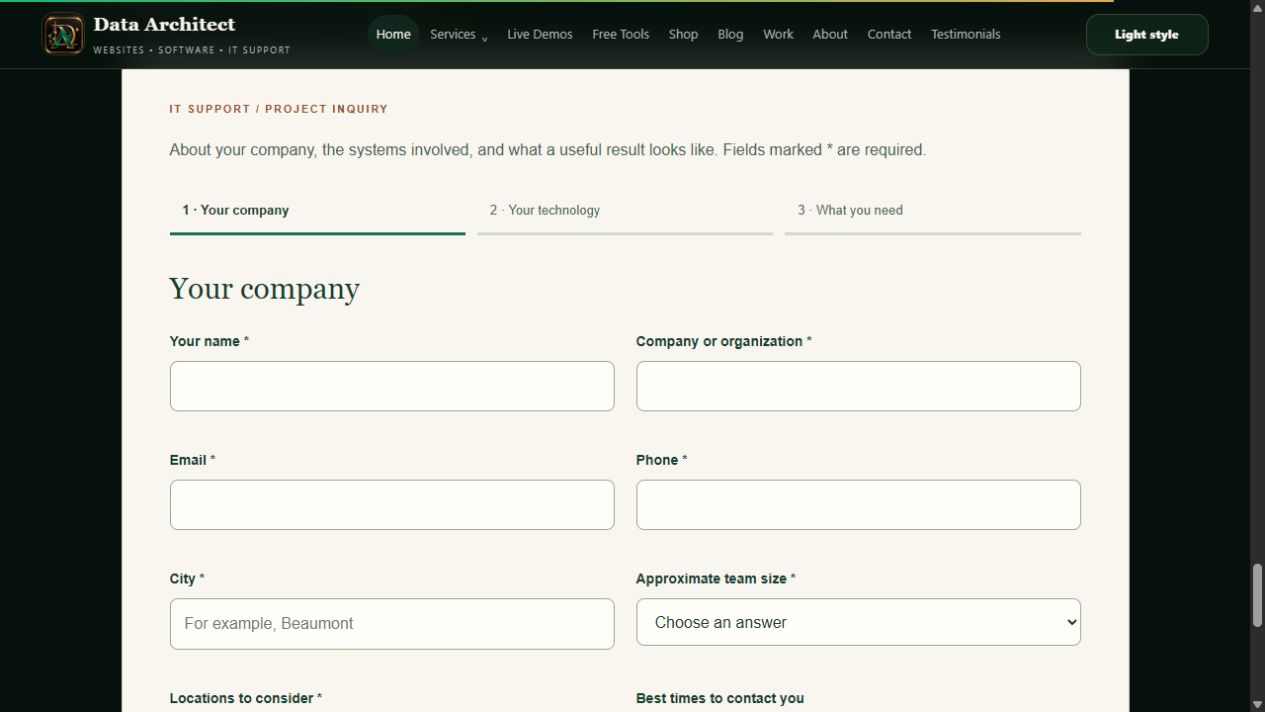
A useful estimate form should help a customer explain the job without turning the first contact into an application. Start with contact details, the requested service, the city and a brief description. Add an optional preferred timeframe and ask how the person would like to be contacted.
If the inquiry begins on a particular service page, carry that service into the form and show the selection. A customer who just read about irrigation repair should not need to locate that option again. Keep the selection editable in case they opened the wrong service.
Photo uploads can be useful when the business needs to see a condition before responding. If they are included in the project scope, the upload needs file limits, private storage and staff access controls. Collect the precise address at the stage where it is needed, and explain how the information will be used.
Separate an estimate request from a confirmed appointment and a final quote. A successful submission should say what was received and what happens next. Any price, availability or emergency-service claim needs to match the business’s actual process.
5. Design what happens after the customer presses send.
The inquiry should reach a durable record the owner can find again. Store the service, location, message and submission time together. A notification helps someone notice it, but the business also needs a dependable place to review outstanding work.
A small team may only need a private inbox with notes and statuses. A larger operation may need assigned staff, site visits, documents and payment stages. The right scope follows the way the company works; it does not have to begin with every possible feature.
Our business inquiry-to-payment walkthrough shows how these stages connect in our system. For a contractor, the implementation should preserve the selected service and customer context as the inquiry moves through review and follow-up. That is where a website can become a practical business tool.
6. Make the phone experience comfortable.
A prospective customer may be looking at the site while standing beside the problem they want fixed. Keep the service description readable, the call button easy to find and the estimate form straightforward. Use visible labels and clear error messages so a missed field does not force them to start again.
A premium design can still feel individual: a consistent type system, restrained color, strong job photography and comfortable spacing. Movement should be subtle and responsive. Avoid making the person wait through a long effect before they can see the service information.
Review the complete journey on a phone: open the menu, find a service, view a project, begin an inquiry and read the confirmation. Our premium web design guide explains the visual decisions behind that sense of quality.
7. Publish local material with something specific to say.
A regional service page can explain coverage and connect to the services offered. A project story can document real work in a city. A practical article can answer a question customers ask before hiring. Give each page a distinct purpose and link it to the appropriate next step.
For an actual Riverside project, the useful information may be the site constraints, the work completed and what the owner should know afterward. For a Beaumont service page, it may be the available services and how to arrange an assessment. These details should come from the business’s own experience.
The Data Architect’s Inland Empire web design hub connects our regional reading, project breakdowns and city design studies. The city studies explore customer tasks; they are separate from claims about completed contractor jobs. For the broader search strategy, read how a local search presence is built.
8. Give the owner a launch checklist they can use.
- Services: confirm the work offered, the exclusions and who updates the pages.
- Coverage: check the actual service area and how out-of-area requests are handled.
- Projects: approve photographs, captions and any published customer information.
- Inquiries: test required fields, notifications, stored records and confirmation wording.
- Ownership: confirm account access, content editing and the maintenance arrangement.
- Follow-up: agree who reviews new requests and how the next action is recorded.
These are the details I would bring into a contractor website project. A clear public presence helps someone understand the business; a connected workflow helps the owner handle the opportunity when it arrives.
THE CONVERSATION CONTINUES
Your perspective matters.
Rate this article or add a question, experience or idea to the discussion.
Join the discussion
No account or email address is required. A browser cookie remembers your rating. About reader feedback and privacy
Reader discussion
Comments appear here after review.