ERP engineer
Configures or extends the platform and its integrations, with attention to testing, data movement and maintainability.
 Data ArchitectWebsites. Software. Possibility.
COLLECTION 07 / 9 RELATED ARTICLES
Connected business processes, ERP implementation and the handoffs between teams.
Enterprise resource planning connects core business processes such as finance, purchasing and operations. The difficult part is often agreeing how work should move, what each record means and which system owns it. These reading paths use practical business-software examples to make those implementation questions concrete.
Explore the reading path ↓CONNECT THE WORK
For an illustrative Fontana supplier serving customers in Riverside and Corona, a quote might become an approved order, a fulfillment task and an invoice. An integration should handle a repeated request or changed address predictably, not silently create duplicate business records.
UNDERSTAND THE RESPONSIBILITIES
Titles vary between organizations, and one person may cover several responsibilities. Use these perspectives to understand the handoffs and ask more precise questions.
Configures or extends the platform and its integrations, with attention to testing, data movement and maintainability.
Maps business requirements, process rules and acceptance criteria so the implementation matches how the company needs to operate.
Coordinates discovery, tradeoffs and stakeholder decisions, while making scope, responsibilities and handoff expectations explicit.
Microsoft’s overview explains how ERP connects core business processes and shared data. The workflow above is an original planning example, not a description of a particular customer implementation. Microsoft: what is enterprise resource planning? ↗
YOUR READING PATH
The current articles cover process mapping, custom business software, staffing systems and service administration. Use them to prepare process requirements, ownership decisions and acceptance checks before selecting or configuring an ERP.
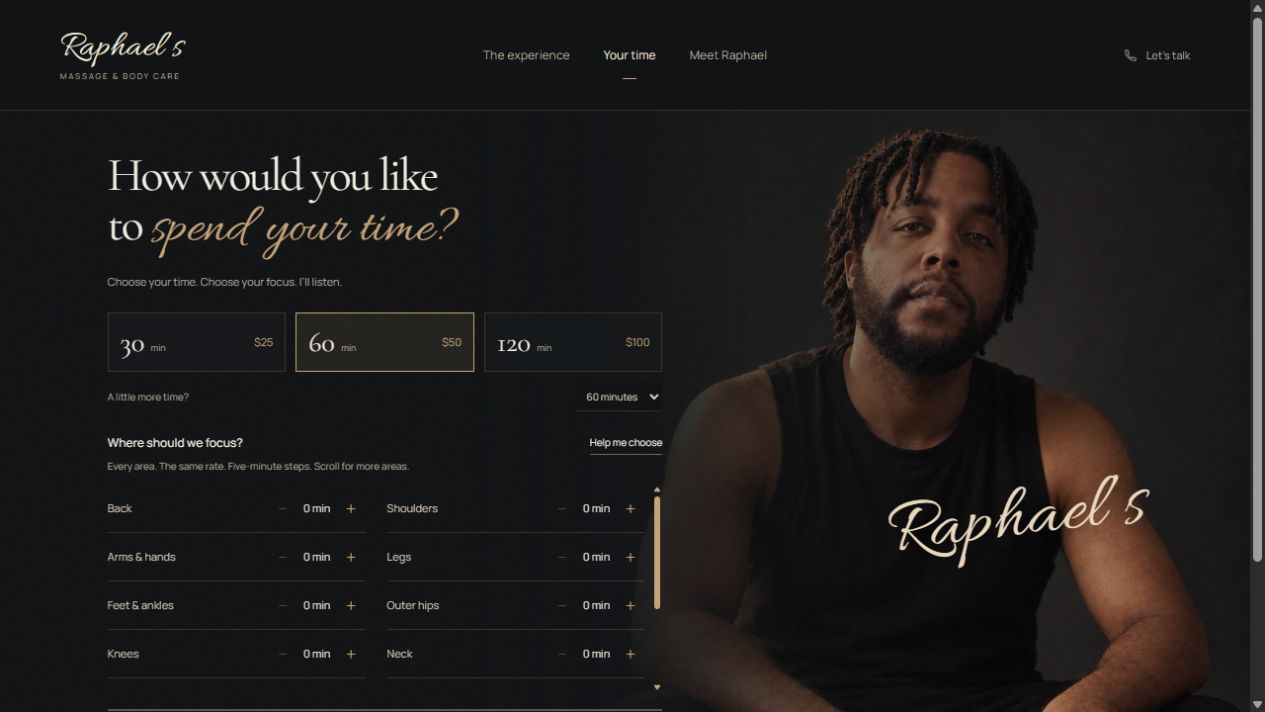
A USEFUL FIRST READ
See how custom business software connects website inquiries, customer records and staff workflows, with a practical example from Raphael’s experience builder.
Read the article ↗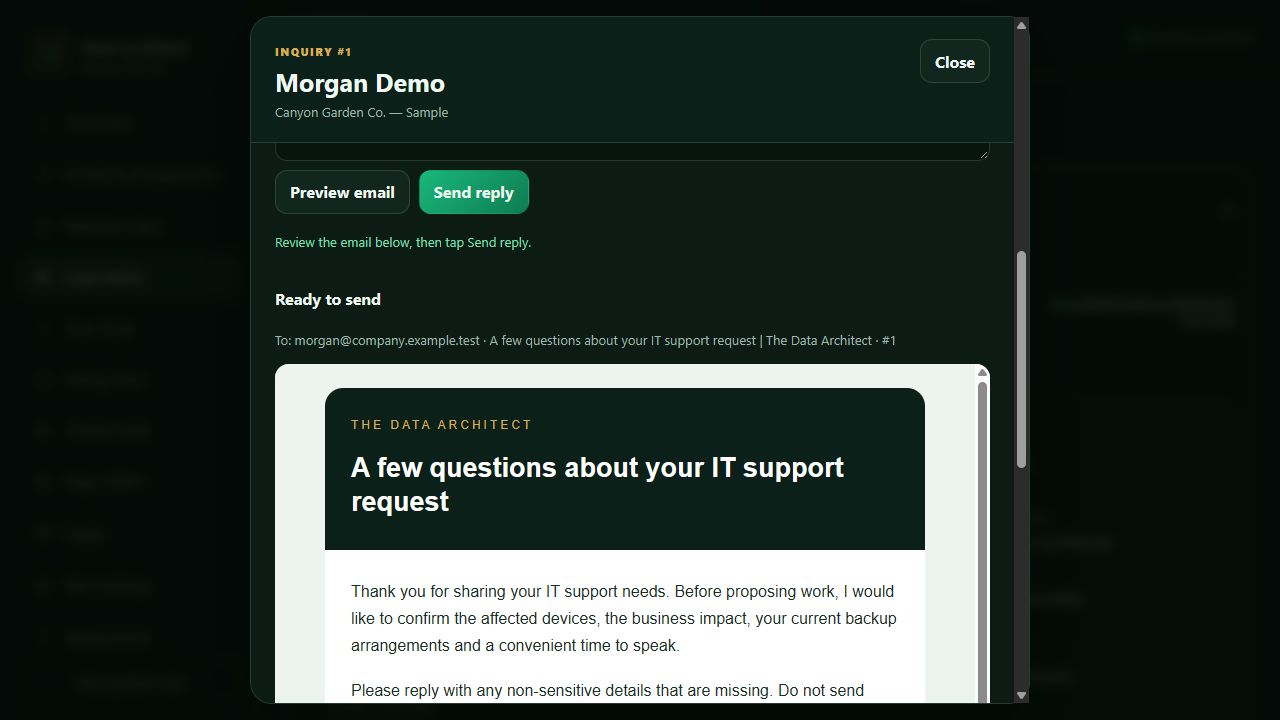
Enterprise & ERP Workflow walkthrough
Inside our company intake, private lead inbox, Brevo follow-up and Stripe workflow—with API placement, verified webhooks and a practical path to other payment providers.
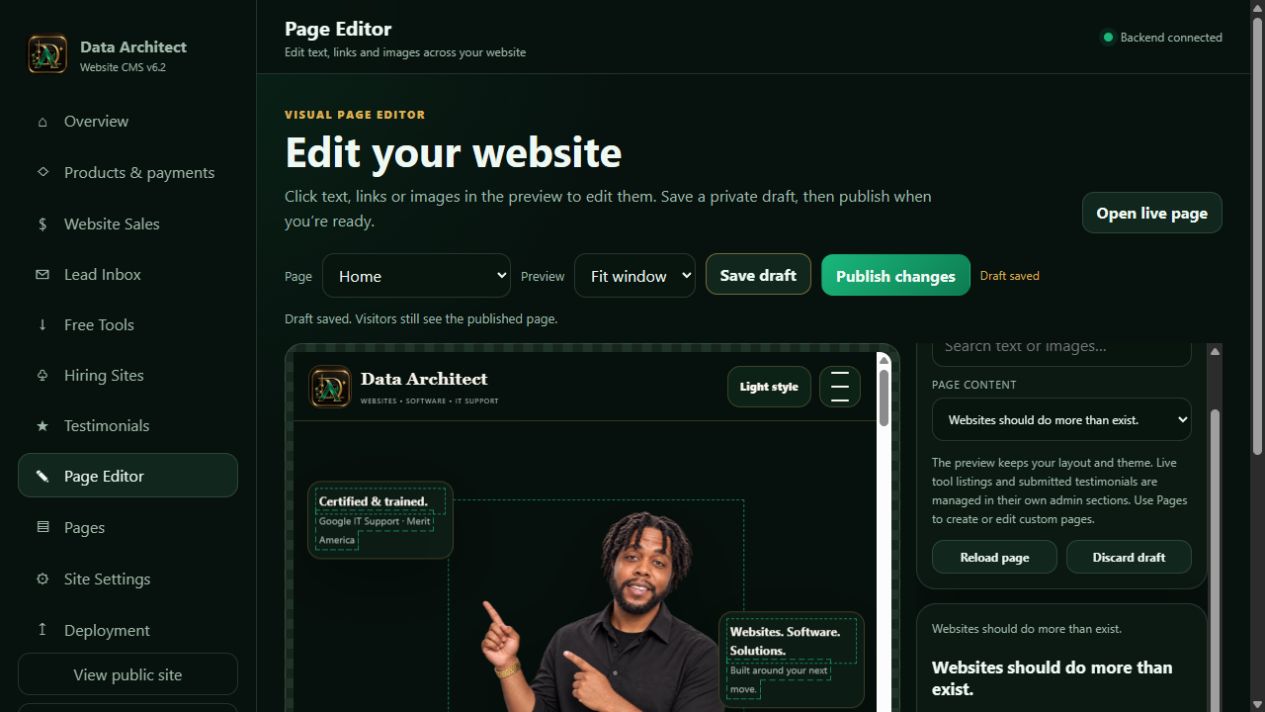
Web & DevOps Workflow walkthrough
See the Data Architect CMS in action: select page content, preview changes, save a draft, publish deliberately and connect the website to business workflows.
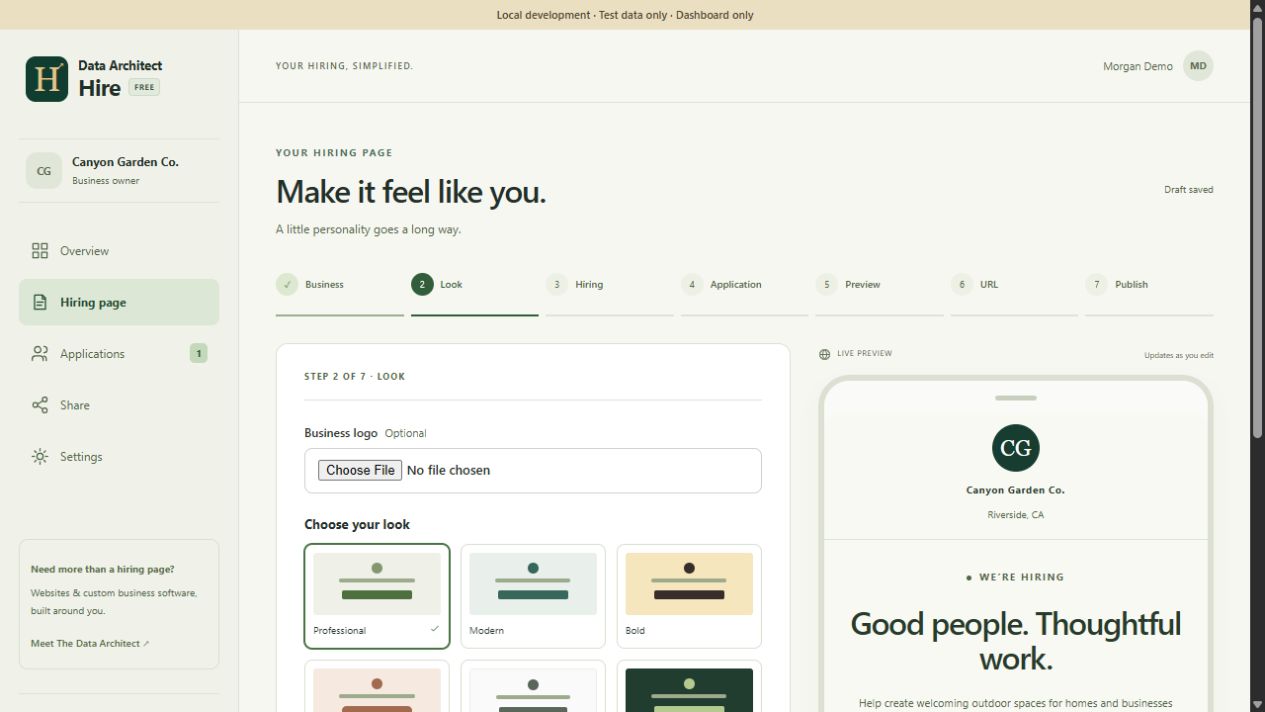
Enterprise & ERP Workflow walkthrough
Create a branded online job application with Data Architect Hire: customize the form, publish a link, collect resumes and manage applicants in a private dashboard.
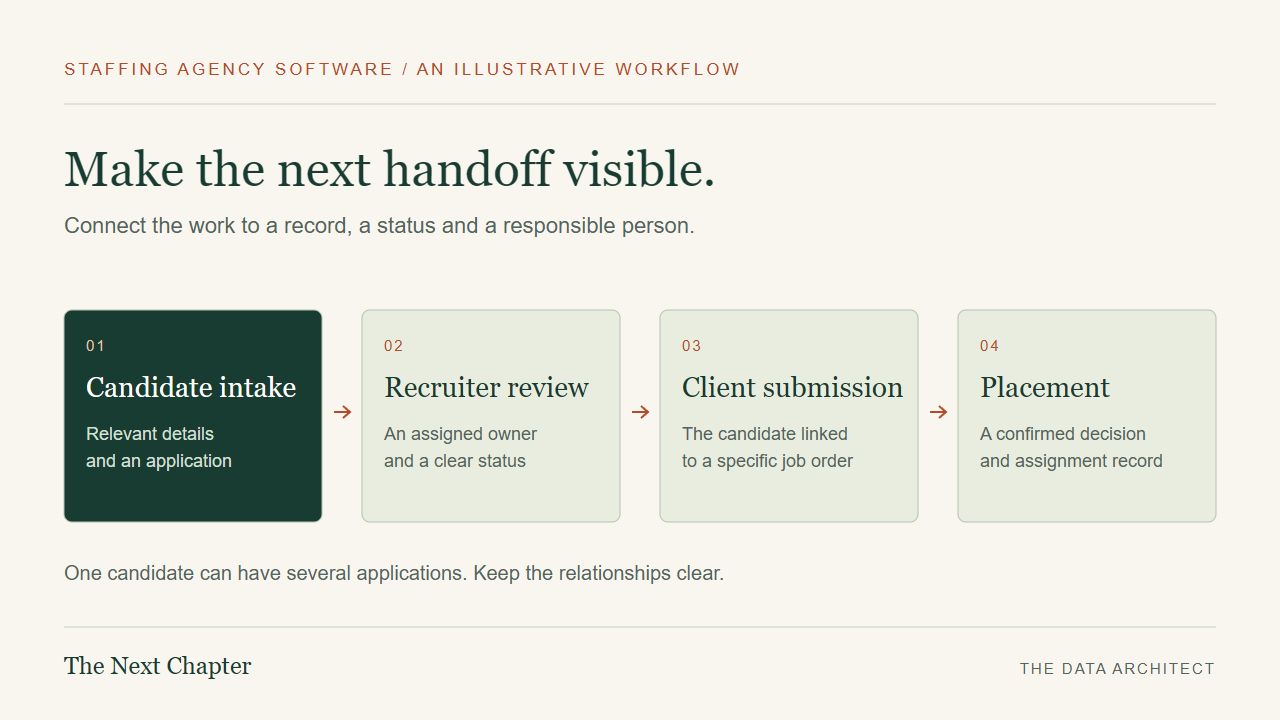
Enterprise & ERP Workflow walkthrough
Plan staffing agency software around candidates, job orders, recruiter ownership and placements. A practical guide for Inland Empire staffing businesses.
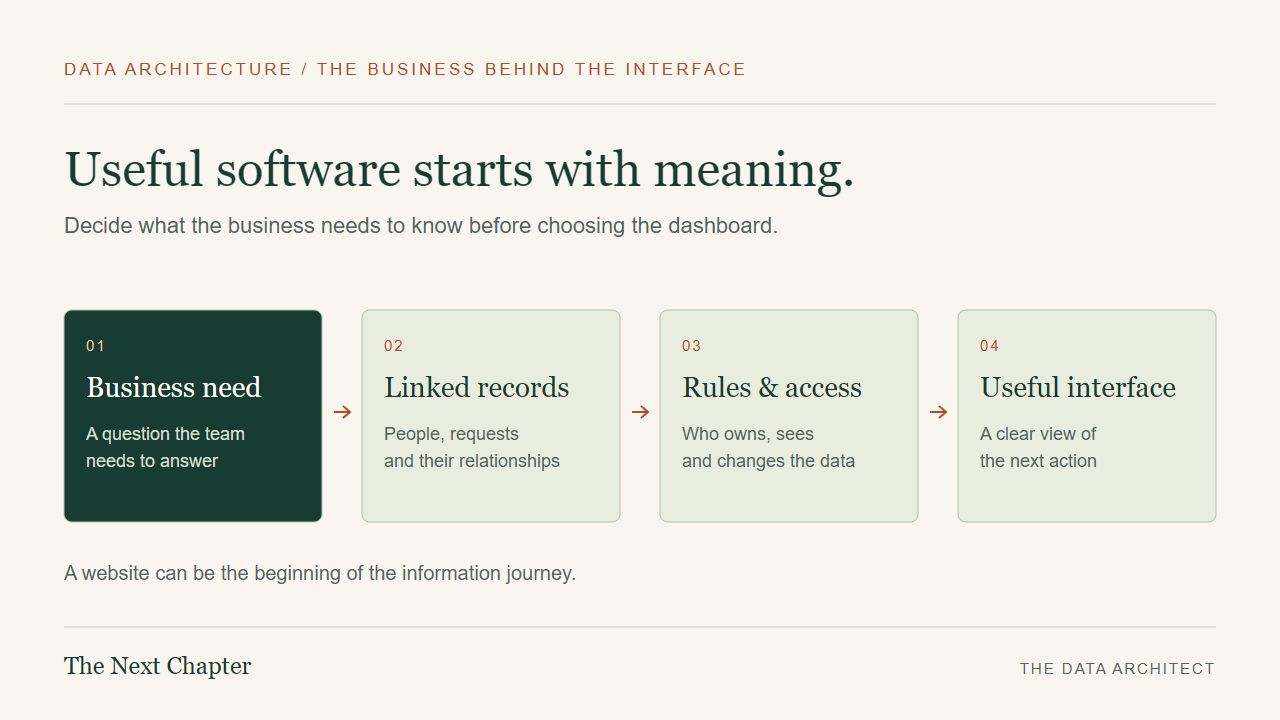
Data & analytics Explainer
What does a data architect do? Shayne Brown explains data models, business workflows and how The Data Architect connects websites with useful software.
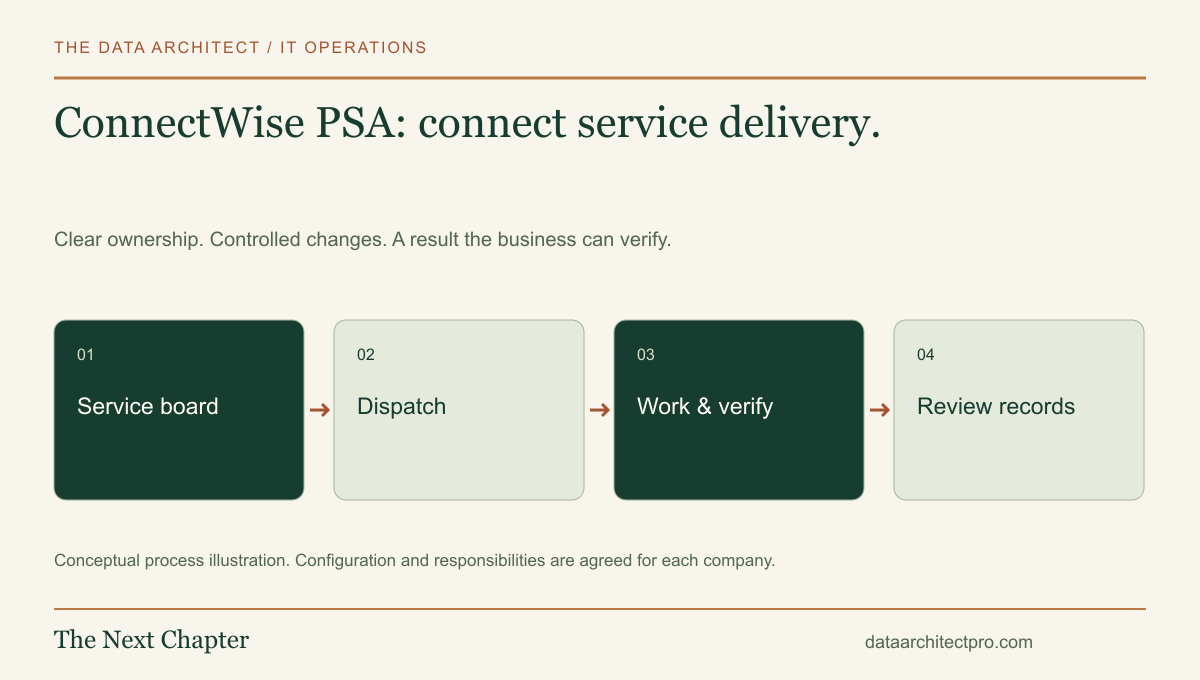
IT support Workflow walkthrough
Understand ConnectWise PSA service boards, statuses and the handoff from technical work to reporting and business administration.
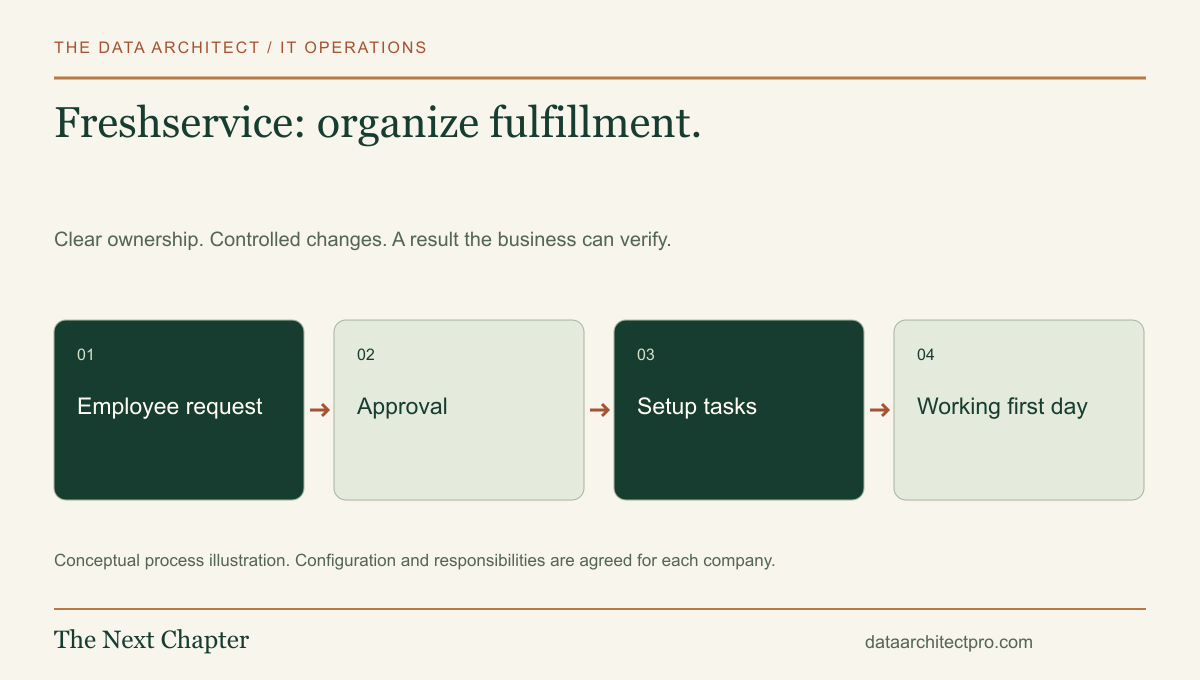
IT support Workflow walkthrough
Follow an employee setup request through a Freshservice service catalog, approvals, fulfillment and verification, with practical advice for business IT teams.
IT support Workflow walkthrough
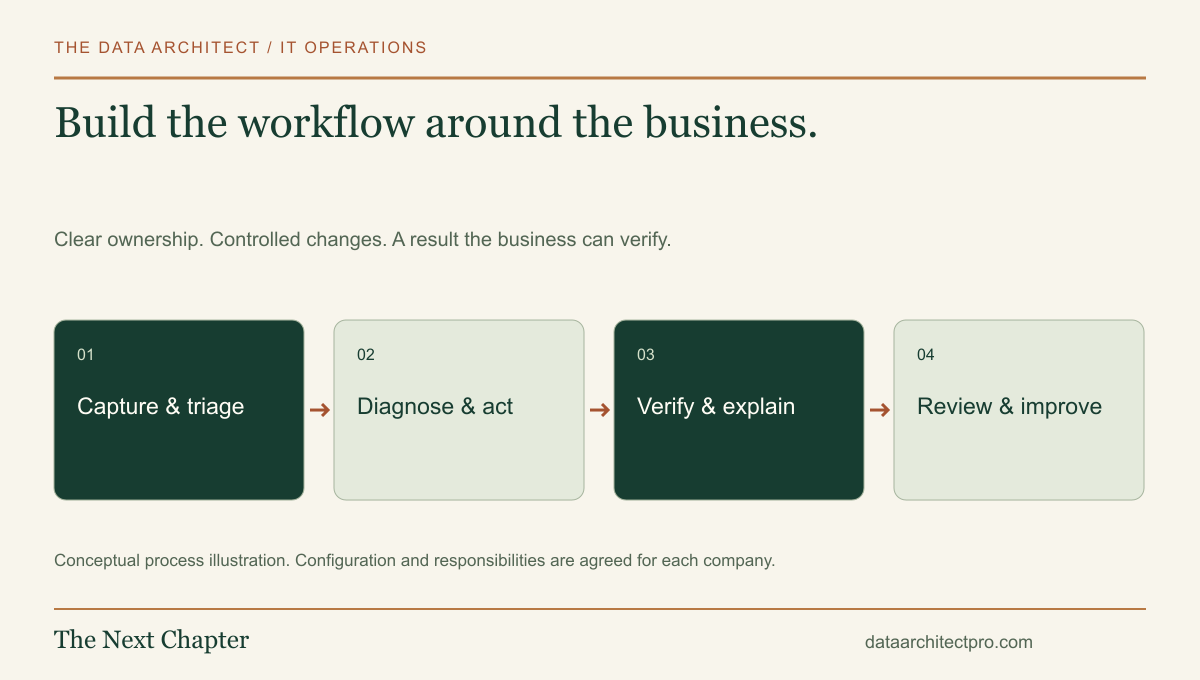
A complete custom help desk workflow: request intake, triage, assets, approvals, remote support, resolution, reporting and practical integrations.