Systems administrator
Maintains operating systems, user access, software configuration and the processes needed to operate and recover systems.
 Data ArchitectWebsites. Software. Possibility.
COLLECTION 05 / 5 RELATED ARTICLES
LAN/WAN, connectivity, operating systems and the infrastructure behind business applications.
A connected Wi-Fi icon does not prove that DNS, routing or the application itself is working. Likewise, moving an application to the cloud does not remove the need for account ownership, backups or monitoring. These guides start with the system a person is trying to use and work through the dependencies behind it.
Explore the reading path ↓CONNECT THE WORK
Consider a San Bernardino office that can reach local printers but cannot open a cloud application, while a Rancho Cucamonga branch can. Comparing the two paths can narrow the investigation before replacing equipment. A useful handoff records the test, result, time and affected service.
UNDERSTAND THE RESPONSIBILITIES
Titles vary between organizations, and one person may cover several responsibilities. Use these perspectives to understand the handoffs and ask more precise questions.
Maintains operating systems, user access, software configuration and the processes needed to operate and recover systems.
Builds and operates cloud resources, identity, networking and deployment configuration with attention to reliability and cost visibility.
Designs and troubleshoots connectivity, routing, segmentation and the path between users and business services.
YOUR READING PATH
Start with the Wi-Fi, DNS and routing guide. Continue into computer diagnosis, recovery and remote support to understand the dependencies around the network. The current cloud coverage concentrates on operational foundations.
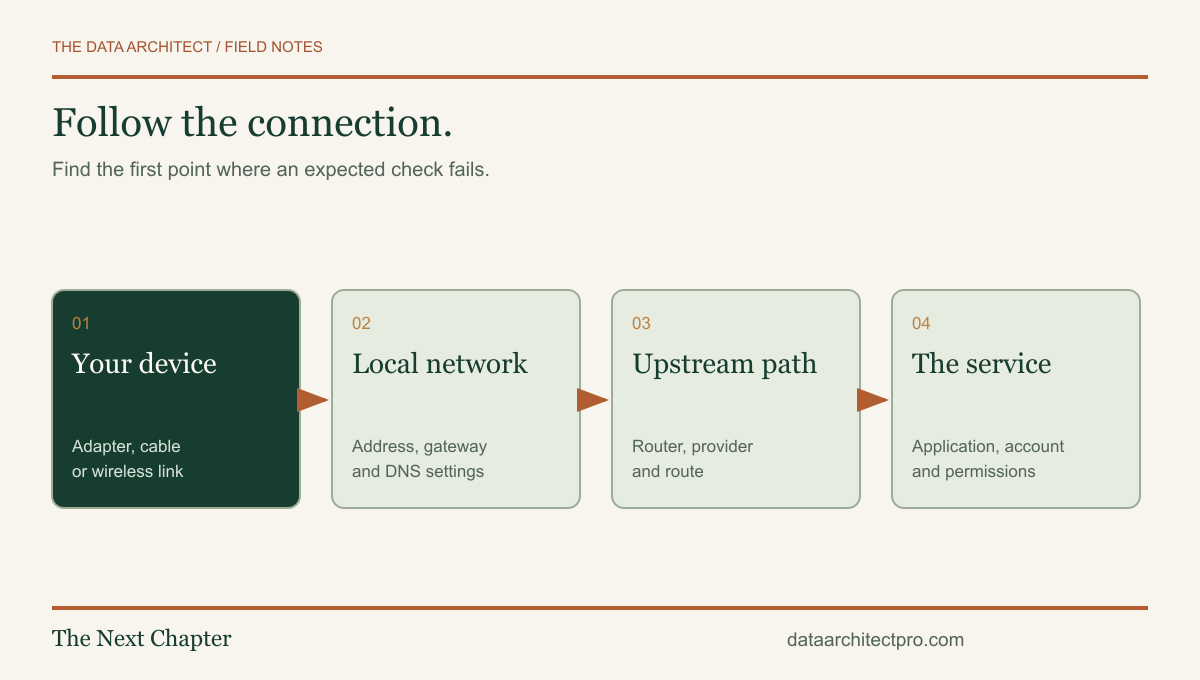
A USEFUL FIRST READ
Diagnose network problems by separating Wi-Fi, DHCP, DNS, routing and application failures. A practical guide for Inland Empire small businesses.
Read the article ↗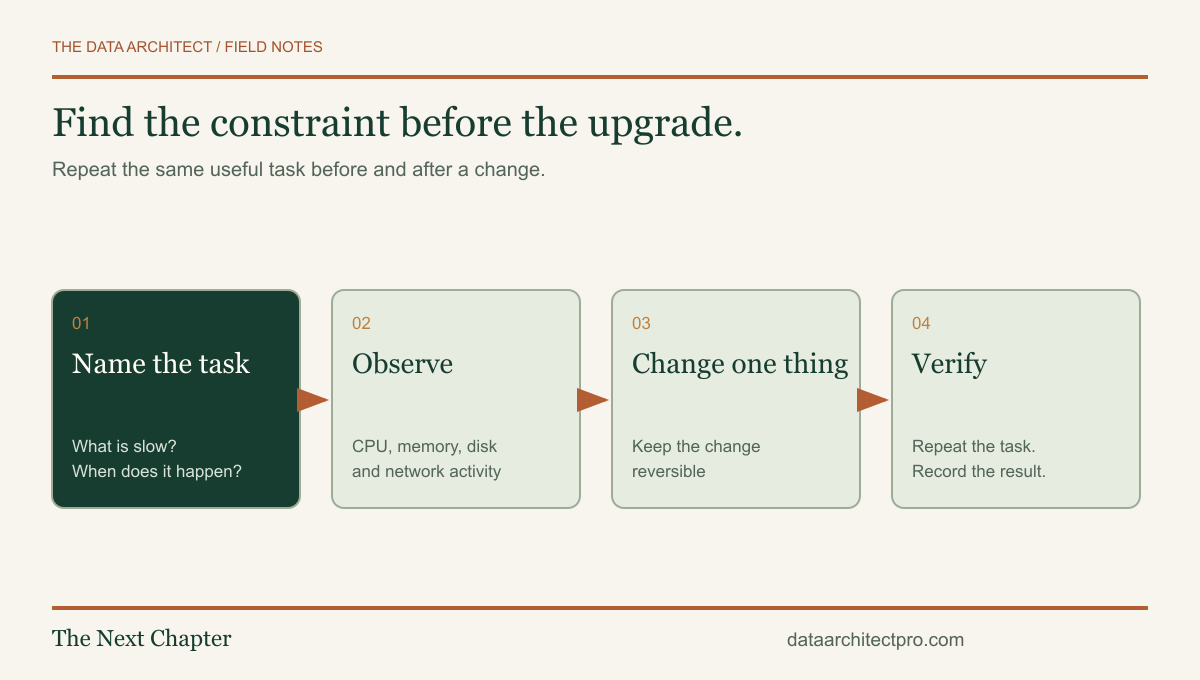
IT support Field guide
Separate storage, memory, startup, heat and network problems before replacing a slow computer. Practical IT support guidance for Inland Empire businesses.
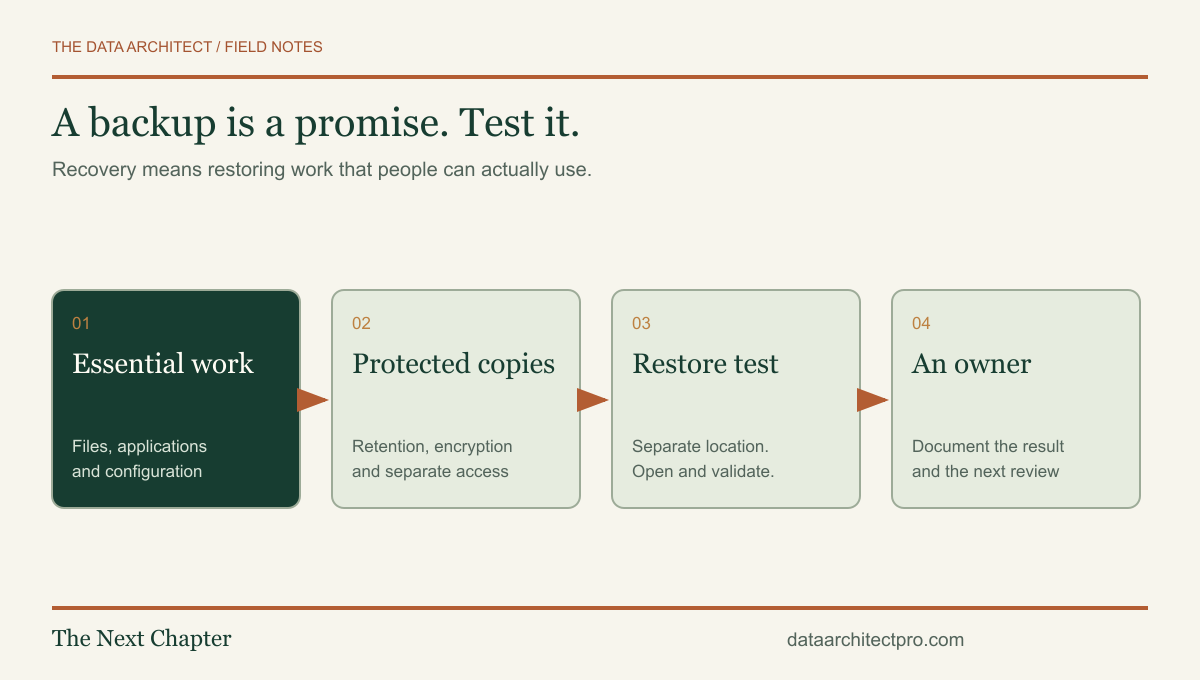
Cybersecurity Field guide
Plan backups around real business work, test recovery and separate sync from protection. A practical checklist for Inland Empire small businesses.
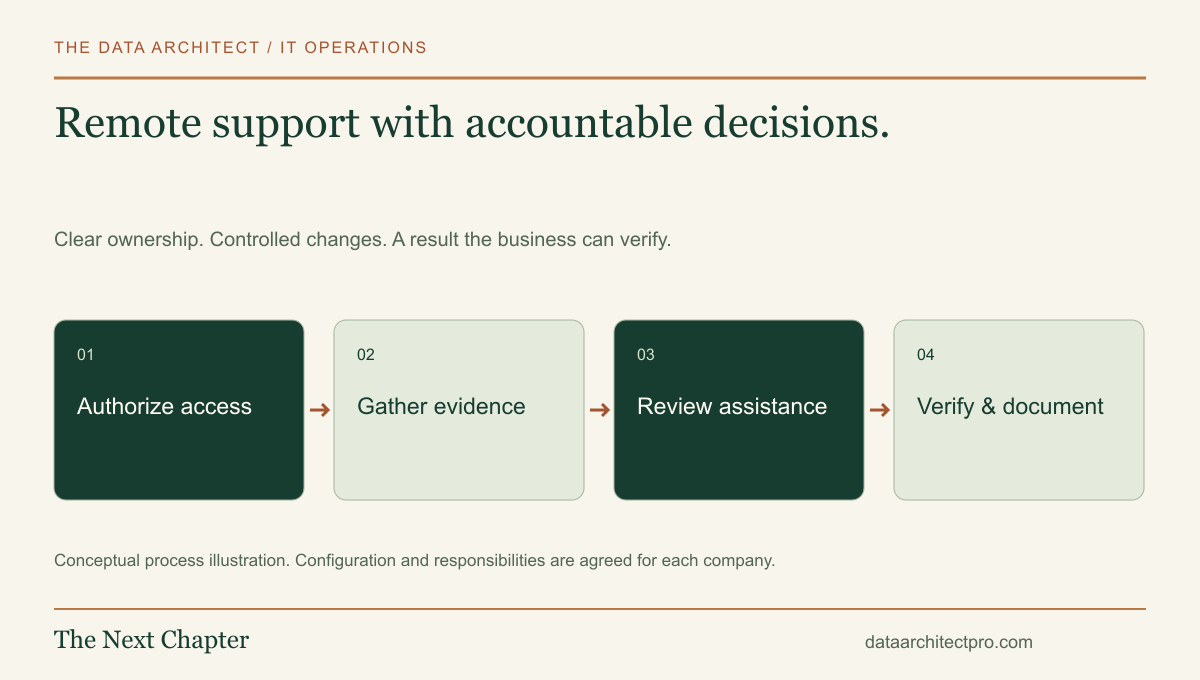
IT support Workflow walkthrough
See how authorized remote access, ticketing, diagnosis, AI assistance and system integrations fit into a complete business IT support workflow.
IT support Field guide
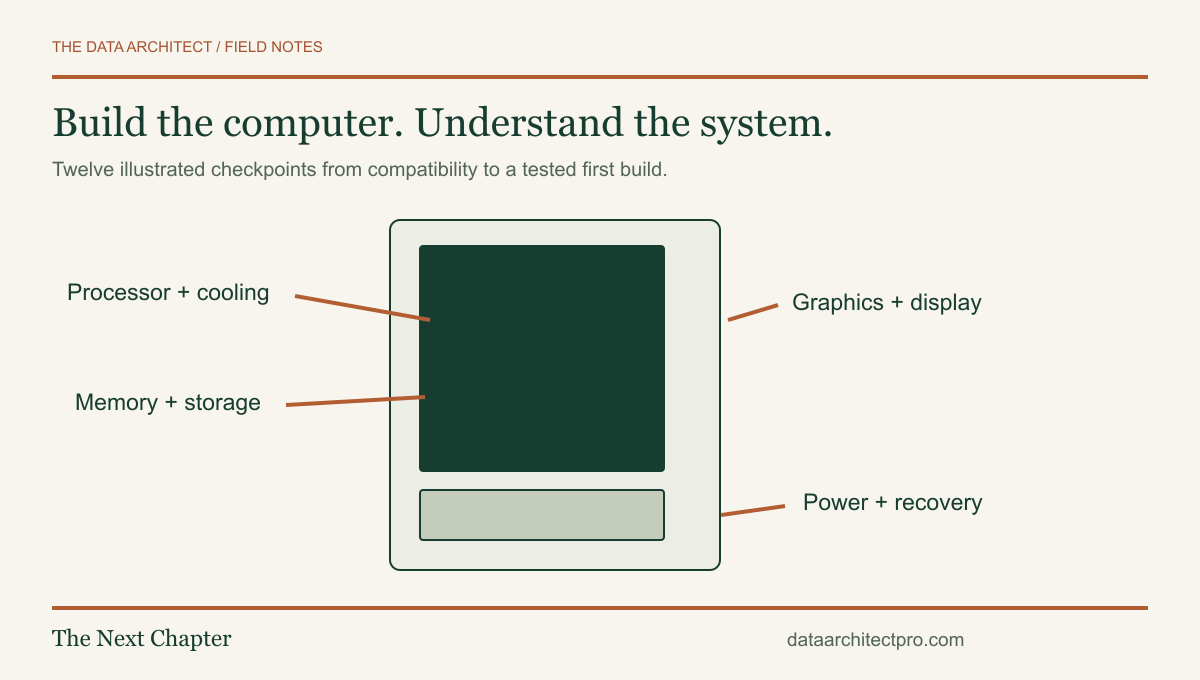
Build a desktop PC with 12 illustrated steps covering compatibility, CPU, RAM, storage, cooling, power, first boot and testing. Includes a planning checklist.